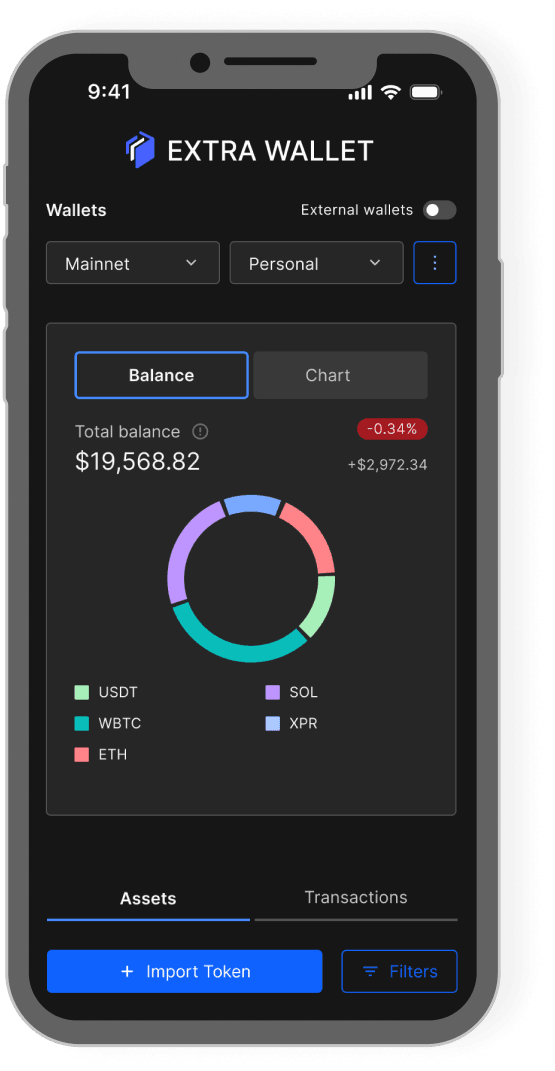
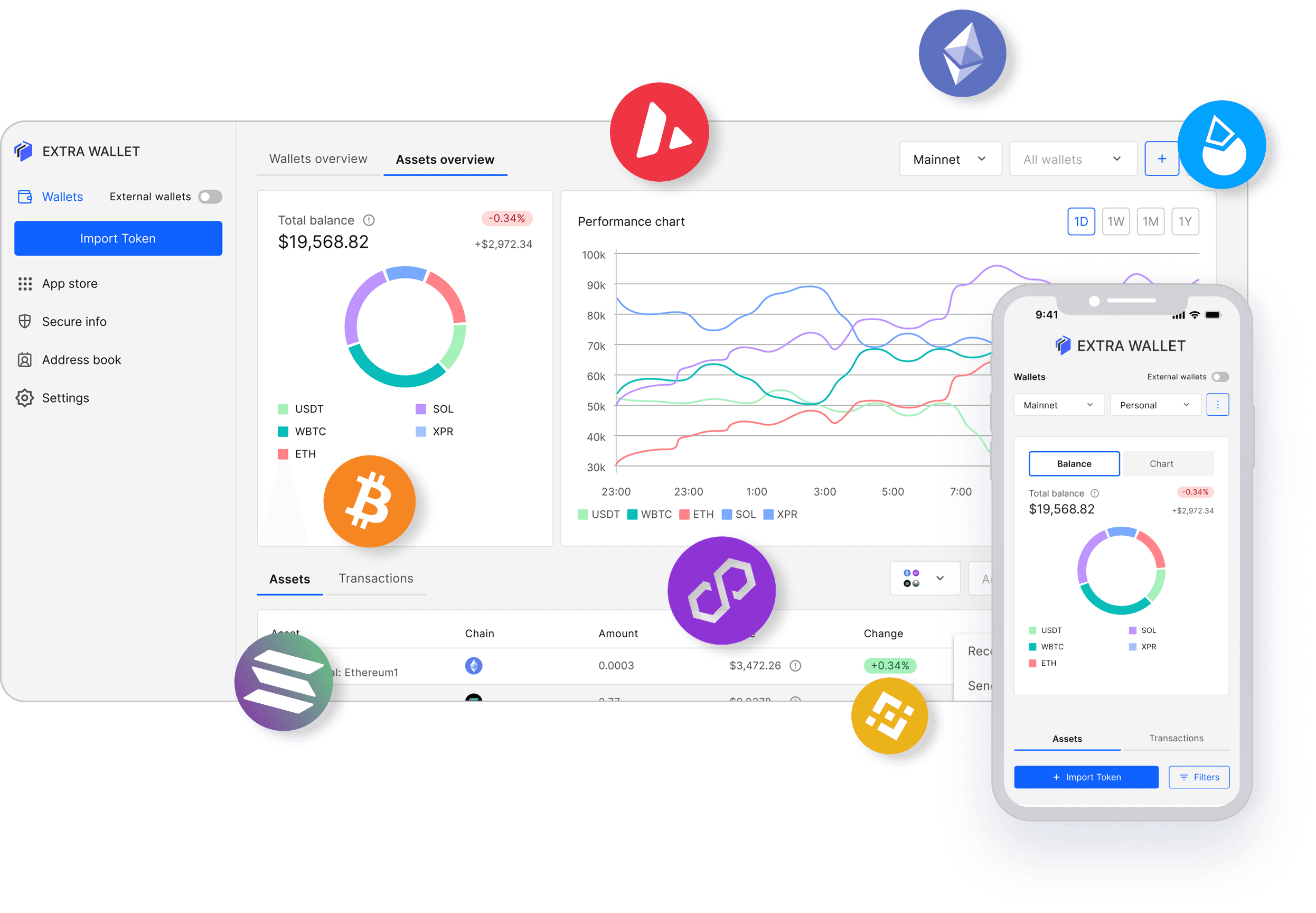
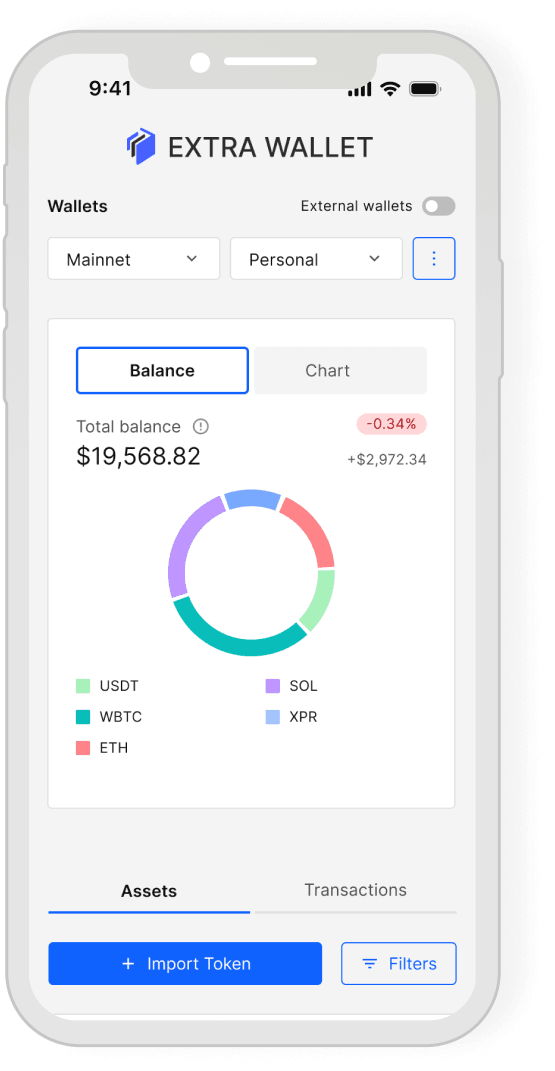
No need to use multiple wallets, one wallet to rule them all.
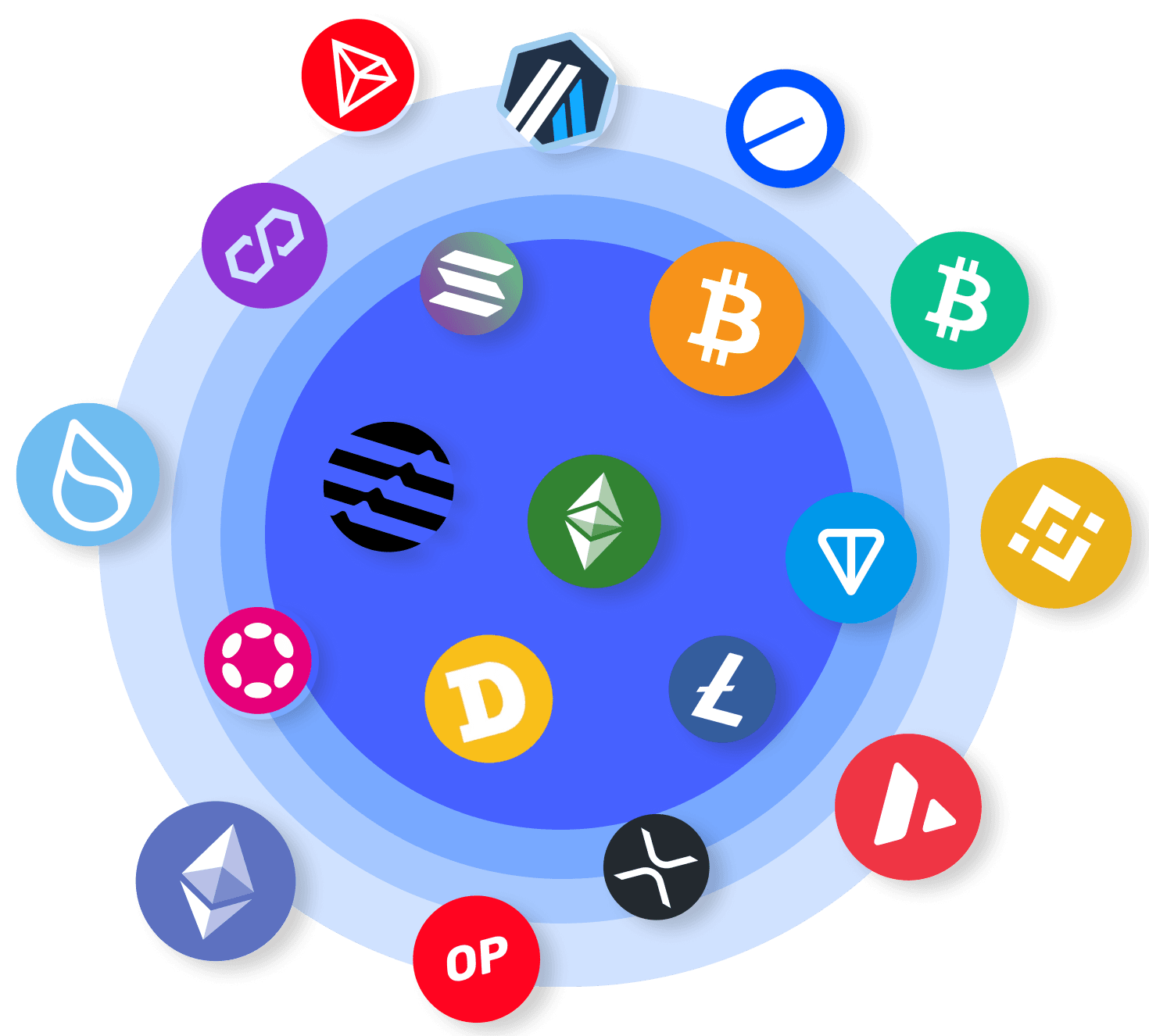
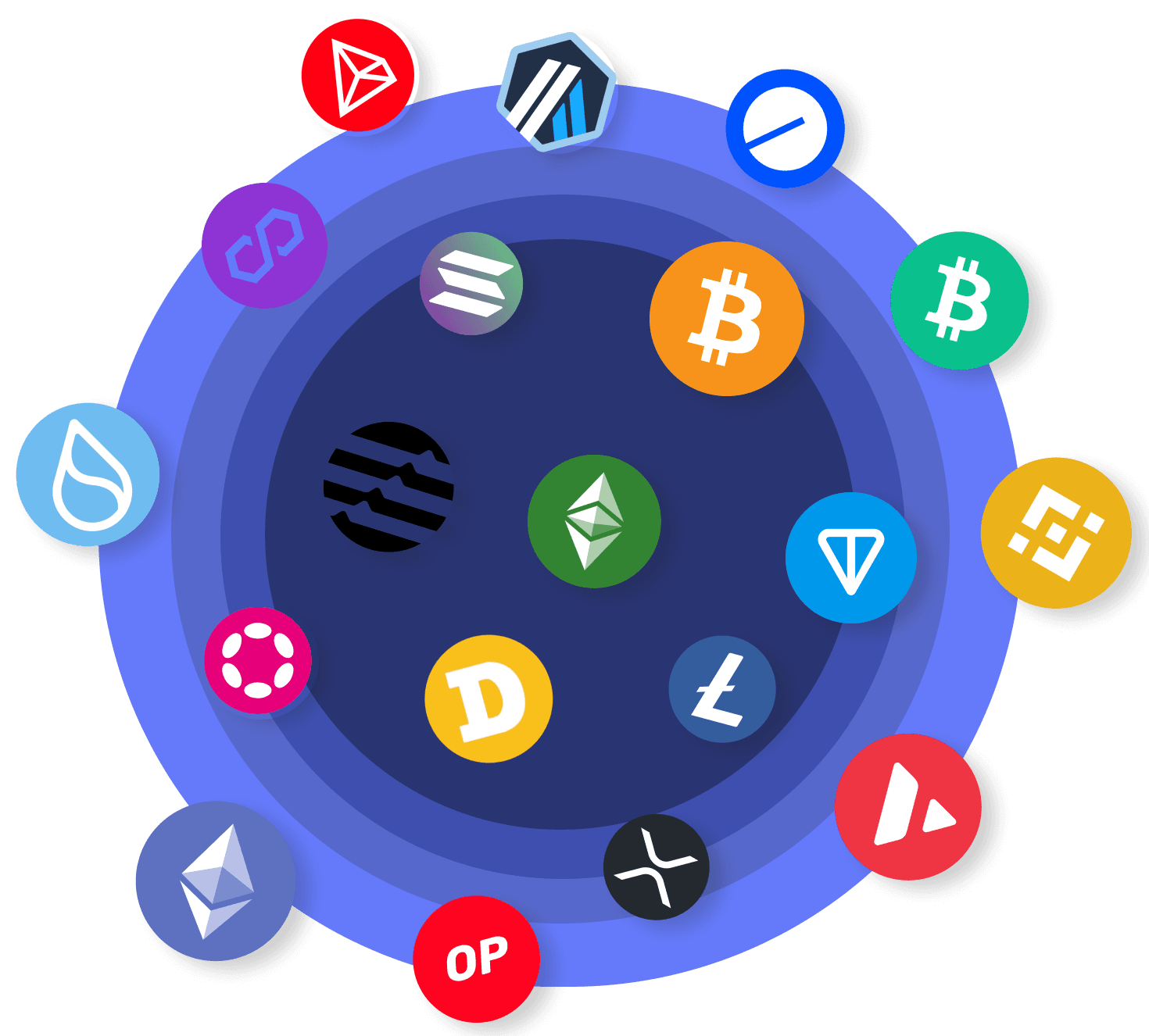
EXTRA WALLET supports Ethereum, Solana, Bitcoin,
Tron and more chains.
If you're new to crypto, or just don’t want to overthink it, this wallet makes it easier to get started.
Everything is designed to be clear and straightforward, so you can manage your funds with confidence.
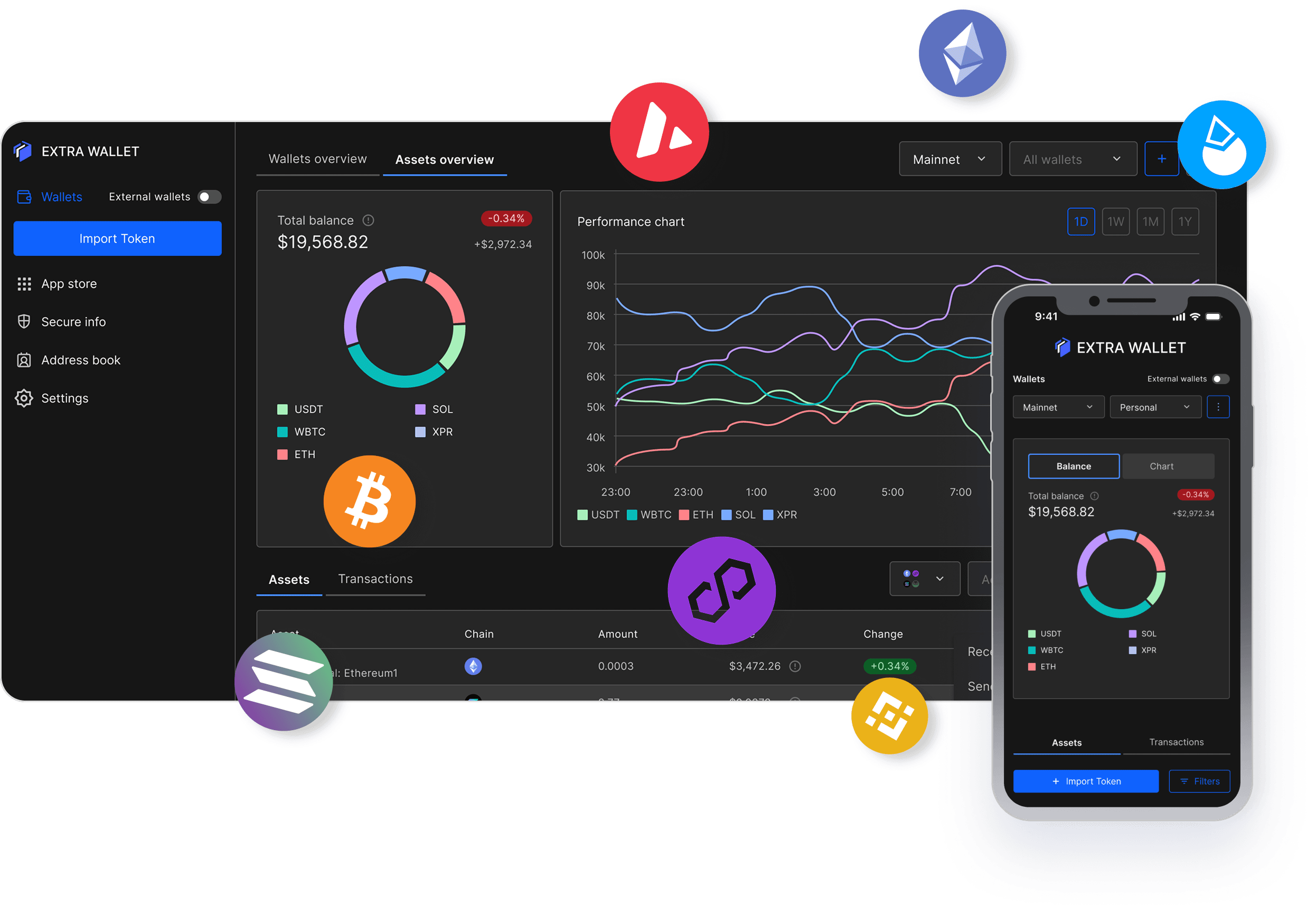
A simple, secure, and intuitive wallet designed for anyone stepping into the world of crypto. Enjoy effortless asset management and robust protection without the tech overwhelm.
Do I need technical knowledge to use EXTRA WALLET?
EXTRA WALLET is designed to be approachable for anyone new to crypto. The setup follows a simple three-step structure: create a portfolio, add a wallet, and select the chains you want to use. No technical configuration required to get started.
What happens if I lose access to my device?
Your wallet can be fully recovered using your seed phrase (recovery phrase). EXTRA WALLET also lets you back up your seed phrase as an AES-256 encrypted QR code – a much safer alternative to writing it down on paper. As long as you have your seed phrase, you can restore access from any device.
Is EXTRA WALLET free to use?
The core wallet is free. Some features – like wallet recovery scanning or cross-chain swaps – involve small transaction-based fees. There are no subscriptions or hidden costs for standard portfolio management.
Is EXTRA WALLET safe to use as my main crypto wallet?
EXTRA WALLET uses a split security model in which all key operations occur in a completely isolated environment, separate from the main interface. Your private keys are never exposed to the UI layer. The codebase is open-source and available on GitHub for anyone to inspect. For beginners who want solid security without managing hardware, it offers a meaningful step up from standard browser wallets.
What blockchains does EXTRA WALLET support?
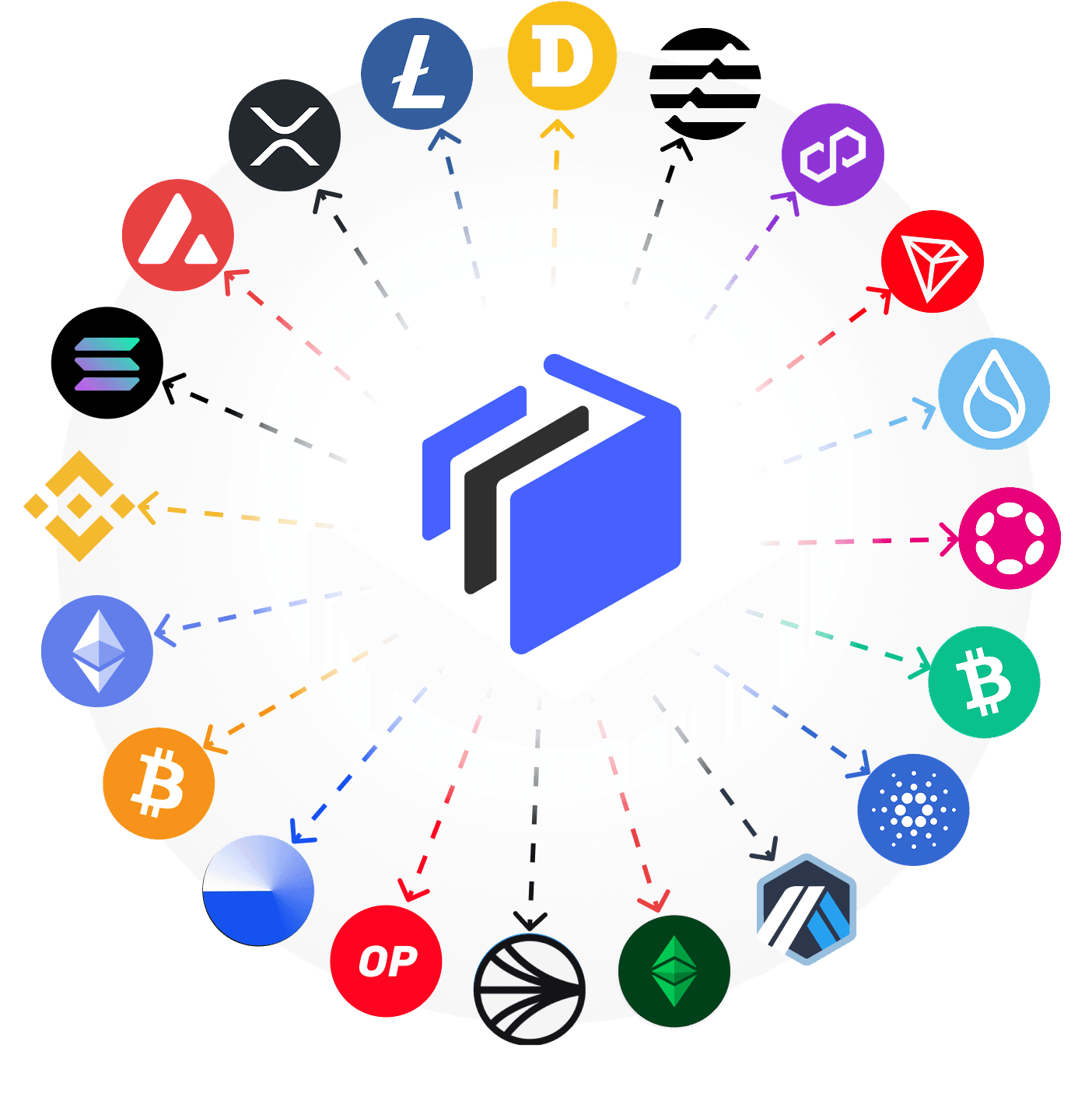
EXTRA WALLET supports 21 networks out of the box, including Bitcoin, Ethereum, Solana, BNB Smart Chain, Polygon, Toncoin, XRP Ledger, Cardano, and more. You can also add any custom EVM-compatible chain manually. All of this is managed from a single interface – no need to switch between different wallets.
Can I manage multiple wallets in one place?
Yes. EXTRA WALLET is built around a portfolio system that lets you organize multiple wallets under one roof – for example, a personal wallet, a business wallet, and a cold storage wallet – all accessible from one place. You can also connect external wallets like Ledger, MetaMask, or Trust Wallet and manage them alongside your EXTRA WALLET accounts.
What are extensions, and do I need them?
Extensions are optional features you can turn on or off inside the wallet – things like token swapping, staking, address risk checks, or WalletConnect for dApp access. None of them are active by default, and no extension code runs in your browser unless you explicitly enable it. If you're just starting out, the core wallet works perfectly without any extensions enabled.
Does EXTRA WALLET work offline?
Yes. EXTRA WALLET has a built-in offline mode. You can create or import wallets, encrypt and decrypt QR backups, and sign transactions without an internet connection. This is useful if you want to keep a signing device completely air-gapped for extra security.
Do I need technical knowledge to use EXTRA WALLET?
EXTRA WALLET is designed to be approachable for anyone new to crypto. The setup follows a simple three-step structure: create a portfolio, add a wallet, and select the chains you want to use. No technical configuration required to get started.
What blockchains does EXTRA WALLET support?
EXTRA WALLET supports 21 networks out of the box, including Bitcoin, Ethereum, Solana, BNB Smart Chain, Polygon, Toncoin, XRP Ledger, Cardano, and more. You can also add any custom EVM-compatible chain manually. All of this is managed from a single interface – no need to switch between different wallets.
What happens if I lose access to my device?
Your wallet can be fully recovered using your seed phrase (recovery phrase). EXTRA WALLET also lets you back up your seed phrase as an AES-256 encrypted QR code – a much safer alternative to writing it down on paper. As long as you have your seed phrase, you can restore access from any device.
Can I manage multiple wallets in one place?
Yes. EXTRA WALLET is built around a portfolio system that lets you organize multiple wallets under one roof – for example, a personal wallet, a business wallet, and a cold storage wallet – all accessible from one place. You can also connect external wallets like Ledger, MetaMask, or Trust Wallet and manage them alongside your EXTRA WALLET accounts.
Is EXTRA WALLET free to use?
The core wallet is free. Some features – like wallet recovery scanning or cross-chain swaps – involve small transaction-based fees. There are no subscriptions or hidden costs for standard portfolio management.
What are extensions, and do I need them?
Extensions are optional features you can turn on or off inside the wallet – things like token swapping, staking, address risk checks, or WalletConnect for dApp access. None of them are active by default, and no extension code runs in your browser unless you explicitly enable it. If you're just starting out, the core wallet works perfectly without any extensions enabled.
Is EXTRA WALLET safe to use as my main crypto wallet?
EXTRA WALLET uses a split security model in which all key operations occur in a completely isolated environment, separate from the main interface. Your private keys are never exposed to the UI layer. The codebase is open-source and available on GitHub for anyone to inspect. For beginners who want solid security without managing hardware, it offers a meaningful step up from standard browser wallets.
Does EXTRA WALLET work offline?
Yes. EXTRA WALLET has a built-in offline mode. You can create or import wallets, encrypt and decrypt QR backups, and sign transactions without an internet connection. This is useful if you want to keep a signing device completely air-gapped for extra security.
Ready to Experience Crypto Without Complexity?
Transform your crypto journey with a wallet that’s as secure as it is simple.